
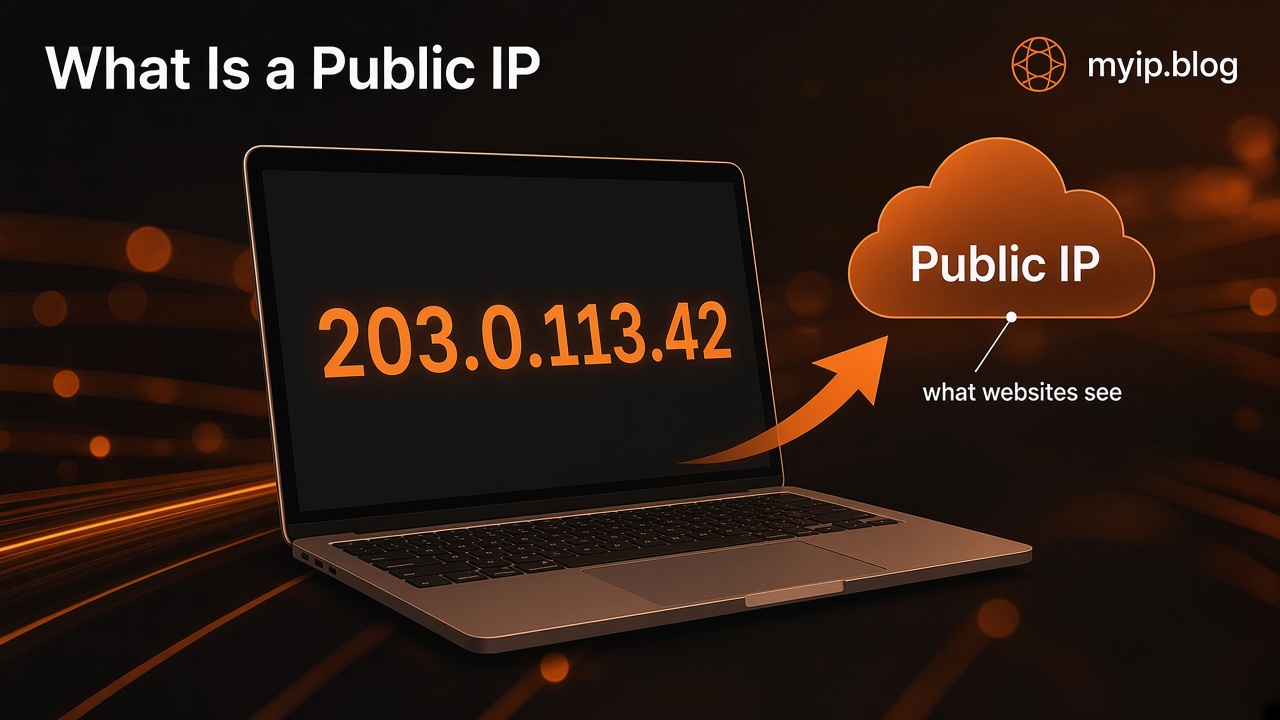
What Is a Public IP Address?
When you open a website, that site needs a way to send pages back to you. The address it uses for that reply is your public IP address — a number (or number-and-letter string) that identifies your connection on the open internet.
You do not need to memorize it. Most of the time it sits in the background. Tools like myip.blog simply show the address that this visit appears under, so you can see what the outside world sees.
What websites see
Every request your browser makes includes enough routing information for servers to answer. From their side, one of the clearest pieces is the public IP that delivered your request.
That IP is tied to your internet connection, not to your name, email, or phone number by itself. It often points roughly at the network of your internet provider and a broad area (country, sometimes a city estimate). It does not mean a site knows your street address from the IP alone.
Sites use the public IP for ordinary reasons: delivering content, measuring traffic, blocking abuse, or applying region rules. Seeing your IP on a checker page is the same kind of signal — just shown to you instead of kept only on a server log.
IPv4 and IPv6, in plain words
There are two common families of IP addresses:
- IPv4 looks like four numbers separated by dots, for example
203.0.113.42. It has been the default for decades. There are only about four billion possible IPv4 addresses, which is why many homes share one public IPv4 through a router. - IPv6 is longer and uses hexadecimal groups separated by colons, for example
2001:db8::1. It was designed so far more devices can have their own addresses. Many networks now support both.
You might see one or both when you check myip.blog. If only one appears, that usually means your current path to the site used that family. Missing IPv6 does not mean something is broken; many connections still use IPv4 only.
Why your public IP can change
A public IP is assigned to your connection by your internet provider (or by a VPN, if you use one). It is not permanently carved into your laptop.
Common reasons it changes:
- Your provider leases addresses for a period and rotates them when the lease renews.
- You restart a modem or move to a different network (home Wi‑Fi, phone data, a café).
- You connect through a VPN or similar service that routes traffic through another exit point.
- Some mobile and home setups use shared public addresses (see CGNAT in our public vs private guide), so the visible public IP is the provider’s shared one and may shift.
A change after a reconnect or overnight is normal. If you need the same public IP for a long time (for example, a home server allowlist), that usually means asking your provider for a static address or using another stable approach — not something a simple checker can lock in place.
How myip.blog fits
myip.blog answers one practical question: what public IP does this visit show?
The homepage reads the connection address for the current request (via Cloudflare’s connecting-IP header) and can show related fields such as approximate location and network information for that visit. The JSON endpoint at /api/me returns the same kind of data in a machine-readable form.
The check is for this visit. Refresh the page after you switch networks or turn a VPN on or off, and you should see the new address the site sees.
If you want a deeper comparison of home/router addresses versus the one websites see, read Public vs private IP addresses. If you want to understand what happens when traffic goes through a VPN, see How a VPN changes the IP websites see.
A note about VPNs (optional)
Some people prefer websites not to see their ISP-assigned public IP. A VPN can send your traffic through another server first, so sites often see the VPN’s exit IP instead of your home or mobile IP.
That choice is about privacy preference, not panic. If you use a VPN and want to confirm it is active for this site, open myip.blog again and compare the address before and after connecting. For more detail without brand pitches, see the VPN guide linked above.
FAQ
Is my public IP the same as my Wi‑Fi password or MAC address?
No. Your Wi‑Fi password protects your local network. A MAC address identifies a device on a local network. Your public IP is the address other servers use to reach your connection on the internet.
Can a website find my home address from my IP?
Usually not with precision. An IP can suggest a country and sometimes a city-level estimate. It does not reliably map to a street address by itself. Location labels on checkers are approximate.
Why does my phone show a different IP than my laptop?
They may be on different networks (mobile data vs home Wi‑Fi), or one device may be using a VPN. Each path can present a different public IP.
Does refreshing myip.blog change my IP?
Refreshing re-checks what the site sees for the new request. Your IP only changes if your connection path changed (new network, provider rotation, VPN toggle, and so on).
Is checking my IP safe?
Viewing your own public IP on a checker is a normal diagnostic step. Treat any site like any other webpage: prefer HTTPS, and be cautious of pages that ask for downloads or personal accounts you did not request.